
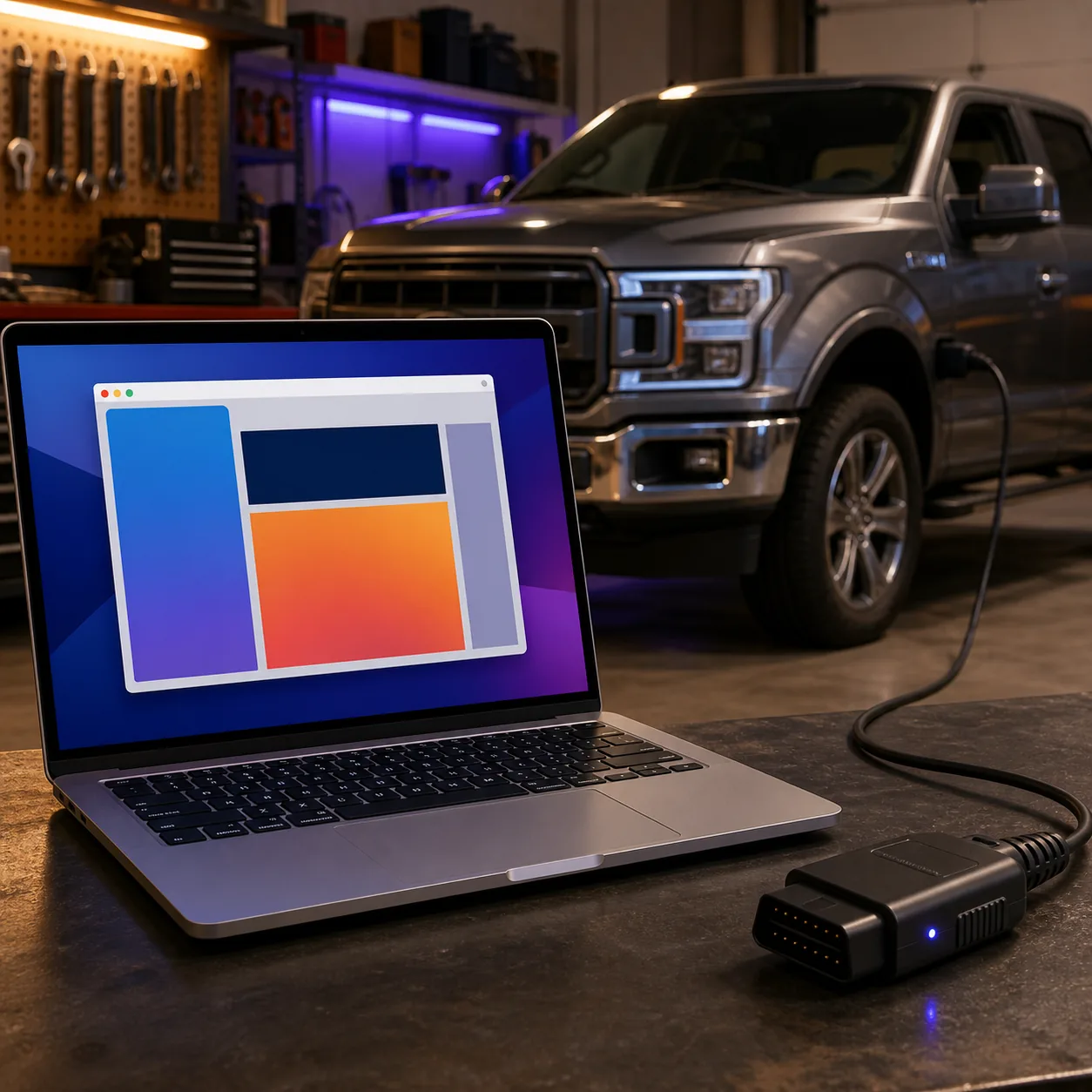
FORScan can sometimes be used on a Mac through a Windows virtual machine, but Parallels support does not guarantee FORScan or an ELM327 driver will work reliably. Treat the setup as a read-only experiment: use the official Windows source, pass a wired adapter exclusively to the Windows guest, confirm the same device and COM port after reconnecting, and move to a supported Windows PC before configuration or programming work.
Can FORScan work on a Mac with Parallels?
Parallels can run a Windows guest on a Mac and can connect supported USB devices to that guest. That answers the virtualization question, not the complete FORScan question. The Windows application, adapter driver, USB ownership, vehicle power and sleep behavior all have to remain stable at the same time.
There is no native macOS desktop installer verified by this site. If you need the full Windows workflow, a virtual machine is a compatibility path rather than a new Mac version. It may be useful for reading modules and testing a setup, but an application window opening once is not proof that a write procedure is safe.
For a dependable desktop workflow, a supported Windows laptop with a documented adapter remains the simpler baseline. Use Parallels only when you understand the extra failure points and have a recovery path that does not depend on the virtual machine disk.
What to prepare before the first test
Start with one known configuration. Do not change the adapter, virtual-machine settings, Windows build and vehicle at the same time. Write down the Mac model and chip, Parallels version, Windows edition, adapter model, firmware, driver version and connection mode. This turns a vague failure into a test that can be repeated.
Keep the official FORScan download page as the source of the Windows installer. This page does not host an EXE, claim a native DMG, or provide a guessed direct file link. If the developer page changes its version or release notes, verify those facts again before updating a local setup.
| Check | Why it matters | Pass condition |
|---|---|---|
| Windows guest | FORScan and its driver run inside Windows, not directly in macOS | Windows starts cleanly and has no pending restart |
| Official software source | A wrapper or repackaged installer adds another trust problem | Download from the FORScan developer page |
| Wired adapter | USB is easier to observe than Bluetooth passthrough | The exact adapter and driver are documented for Windows |
| Stable vehicle power | A virtual machine cannot protect a vehicle from voltage loss | Battery support or a manufacturer-appropriate power plan is ready |
| Backups outside the VM | The virtual disk is not a recovery strategy | Vehicle profile and original data are saved to the Mac or external storage |
Connect an ELM327 USB adapter to the Windows guest
The key step is exclusive USB ownership. The adapter must be visible to the Windows guest rather than remaining attached to macOS. Parallels normally exposes a device connection choice when a supported USB device is inserted, but the exact menu wording can vary by version. Choose the Windows virtual machine, then confirm the guest sees the device after the handoff.
Do not treat a light on the adapter as a successful connection. In Windows, check Device Manager or the adapter manufacturer's diagnostic utility, confirm the expected driver and note the COM port. If the adapter appears only on the Mac side, FORScan cannot use it even if the cable is powered.
- 1
Start Windows before connecting the vehicle
Open the Windows guest, let updates and restarts finish, and keep the vehicle disconnected while you confirm the computer side.
- 2
Insert the USB adapter
Use a data-capable USB connection and wait for the Parallels device prompt or USB device list. Assign the adapter to the Windows guest, not macOS.
- 3
Install the manufacturer's driver
Use the current driver supplied by the adapter maker. Do not substitute a random driver package because a COM number appears.
- 4
Record the device and COM port
Disconnect and reconnect once. The same model and a consistent port should return in Windows Device Manager.
- 5
Only then connect to the vehicle
Use the required ignition state and a stable power plan. Begin with identification and read-only data, not a configuration write.
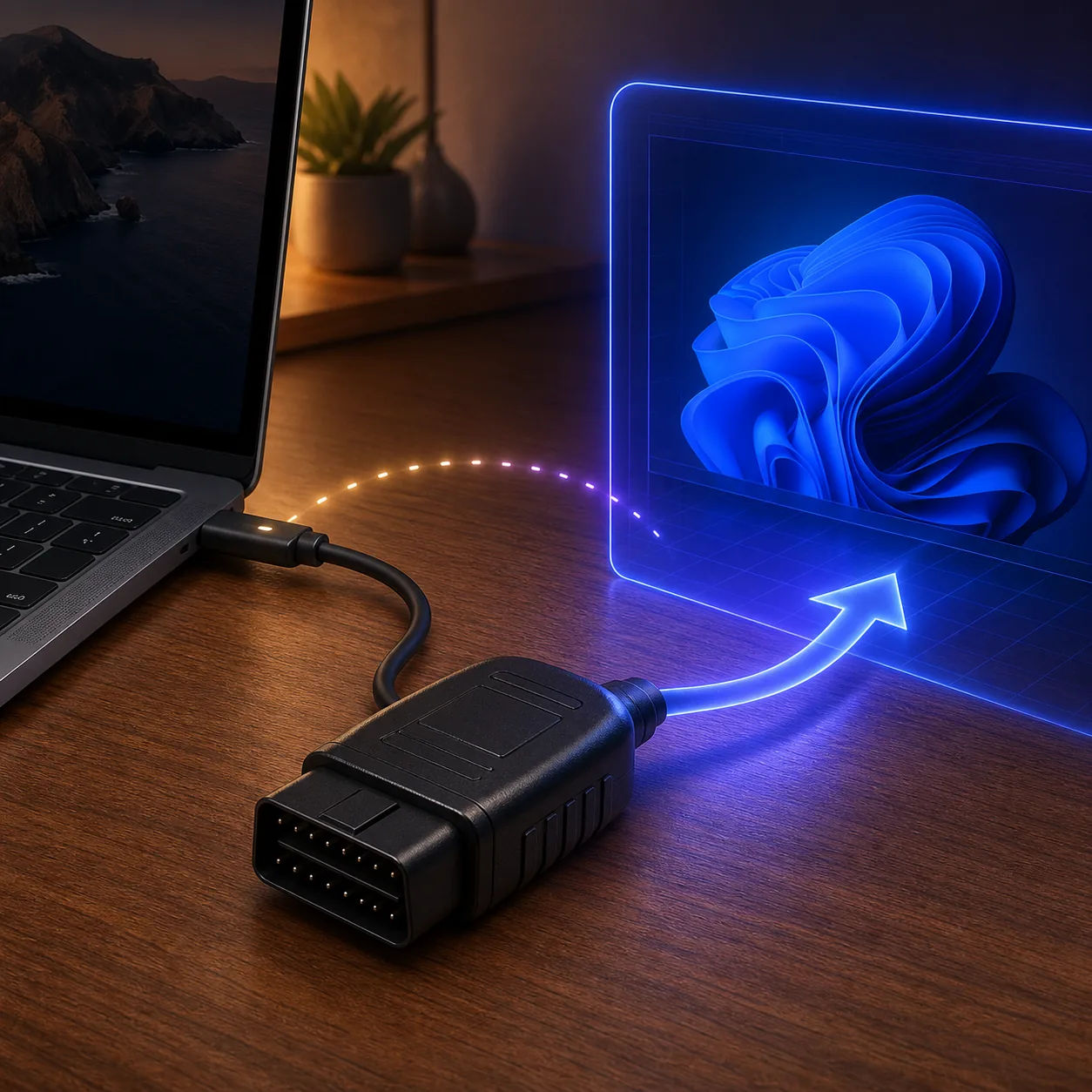
Apple Silicon and Windows on ARM limits
Apple Silicon changes the guest environment. A Parallels installation generally uses Windows on ARM, while many established desktop instructions were written for x64 Windows. Windows can translate many ordinary applications, but that does not make every USB, serial or kernel-level driver compatible.
Check the adapter manufacturer's current Windows on ARM statement instead of relying only on a virtualization product's general USB support. You need more than a successful install: the driver must load, the device must reappear after reconnecting, and the COM or connection path must remain usable during a vehicle session.
Bluetooth adds another layer because macOS, Parallels and Windows may share responsibility for the radio. A wired adapter is easier to observe, but it is not automatically supported. If the manufacturer documents only an older x64 driver or gives no ARM guidance, a supported Windows PC is the more defensible choice.
- Application launch is not driver compatibility proof.
- A stable COM port after a reconnect is more useful evidence than one successful pairing.
- Do not disable security features or install unknown certificates to force a driver to load.
- Keep the original vehicle data outside the virtual disk before any higher-risk operation.
Use a read-only test order
A safe FORScan Parallels test should prove the whole chain, not just the application. Repeat the same order after a reconnect and after a normal Windows restart. If the result changes, stop and isolate the layer that changed before trusting the setup.
Read-only work can still expose power, driver and network problems without changing vehicle configuration. Do not use a key-programming, module-writing or As-Built change as the first test of a virtualized connection.
- 1
Identify the vehicle
Confirm that FORScan sees the intended vehicle and that the ignition state matches the vehicle-specific procedure.
- 2
Read more than one module
Check module information and diagnostic trouble codes beyond a single generic engine controller when the vehicle supports it.
- 3
Observe live data
Let a supported live-data view run long enough to expose a flaky USB, sleep or power-management problem.
- 4
Reconnect and repeat
Close the session normally, disconnect the adapter, assign it to Windows again and repeat the same read-only checks.
- 5
Save evidence outside the VM
Store the profile, notes and original vehicle data on the Mac or external storage before deciding whether the environment is stable enough for more.
| Stop when | Why |
|---|---|
| The adapter returns to macOS | Windows no longer owns the device |
| The COM port changes unexpectedly | The driver or passthrough is not repeatable |
| Modules disappear after reconnecting | The connection path is not stable enough for a write |
| The Mac or guest sleeps | Power and USB state may be interrupted |
| A procedure requires a desktop feature not verified in the guest | Use a supported Windows PC instead of guessing |
Common FORScan Parallels failures
Reduce variables before searching for a new installer. A different FORScan build cannot fix a device that is still owned by macOS, a missing driver or an adapter that cannot access the required vehicle network. If the same issue appears on a supported Windows PC, it is no longer a Parallels-specific problem and should be investigated as an adapter, vehicle or FORScan setup issue.
| Symptom | Likely layer | First response |
|---|---|---|
| The adapter powers on but Windows shows nothing | USB ownership or driver | Reassign it to Windows and check Device Manager before opening FORScan |
| A COM port appears, then disappears | Cable, driver or sleep | Try one known-good port, prevent sleep for the session and repeat the reconnect test |
| FORScan opens but no modules are found | Vehicle state, network support or adapter | Confirm ignition, adapter network support and a read-only connection on a supported Windows machine |
| Bluetooth connects to the Mac instead | Radio ownership | Use a wired adapter for diagnosis or assign the wireless device explicitly to the guest |
| A Windows update changes the behavior | Guest driver or compatibility layer | Record the change, restore the documented driver path and avoid writing until repeatable |
When a separate Windows PC is the better answer
Choose a separate supported Windows computer when the task is configuration, programming, a long service session or anything where a lost connection could leave the vehicle in an uncertain state. Removing the Mac, virtual-machine and Windows-on-ARM layers makes the connection easier to inspect and the recovery path easier to explain.
Parallels can still be useful for a controlled read-only experiment, especially when the alternative is installing an unverified native Mac package. Treat it as an optional compatibility path, document what worked and keep the official Windows page, adapter documentation and backups available.
The practical decision is not whether FORScan can ever open on a Mac. It is whether your exact Mac, guest, driver, adapter and vehicle can repeat a safe read-only session. If you cannot prove that chain, use the supported Windows baseline.
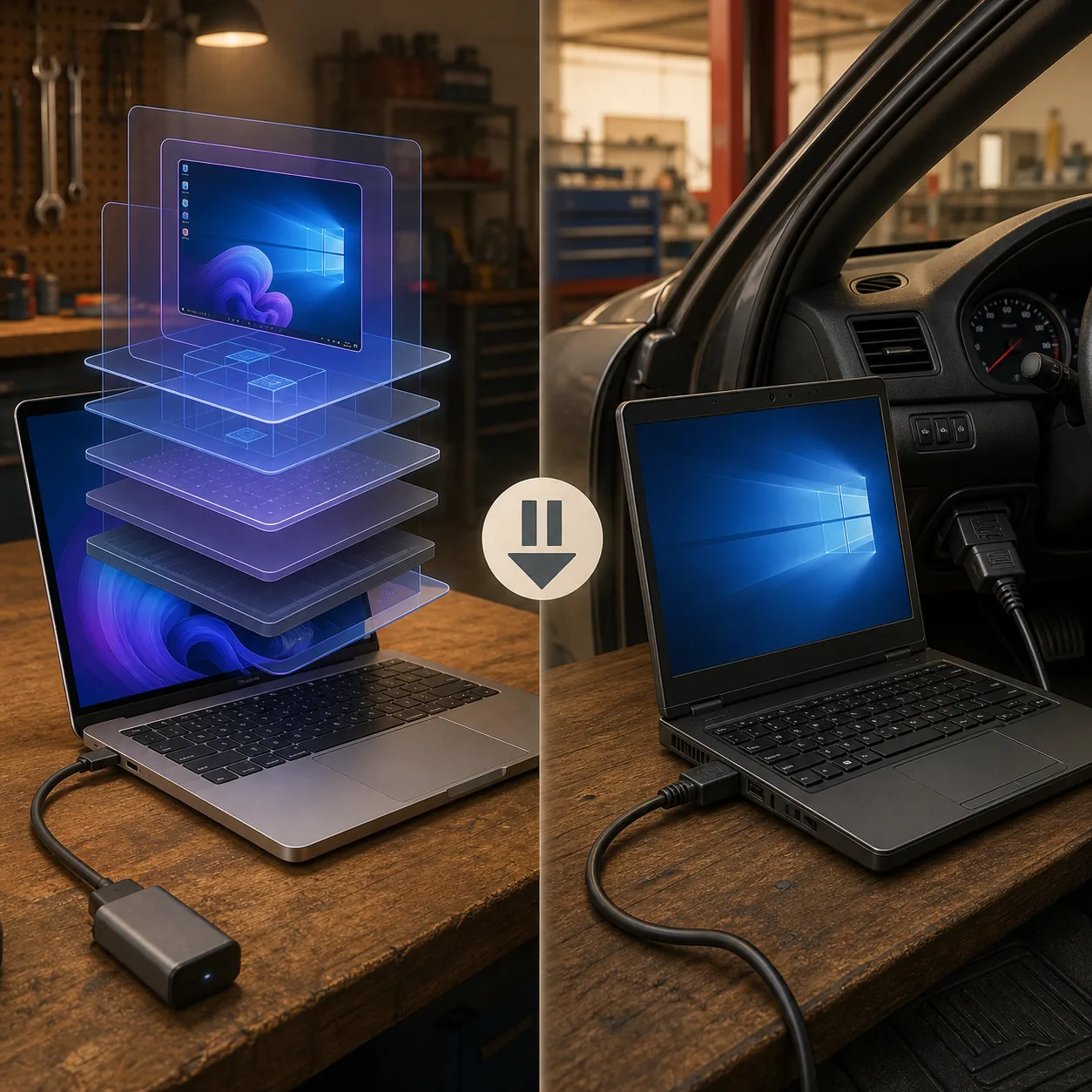
FORScan on Mac with Parallels FAQ
Does FORScan work with Parallels on a Mac?
It may work for some read-only setups, but Parallels USB support does not prove that FORScan, the adapter driver and the vehicle connection are reliable. Test the Windows guest and adapter repeatedly before considering any write.
How do I make FORScan work in Parallels?
Use the official Windows source, assign a wired adapter to the Windows guest, install the manufacturer's driver, confirm the same device and COM port after reconnecting, and start with vehicle identification, DTCs and live data.
Can I run FORScan on Apple Silicon with an ELM327 USB adapter?
The result depends on Windows on ARM, the adapter model and its driver. A successful application launch is not enough; verify driver support, USB ownership and repeatable read-only behavior.
Why does Windows show the adapter but FORScan find no modules?
Check the ignition state, the adapter's vehicle-network support, the Windows driver and whether the guest still owns the device. Compare with a supported Windows PC before changing software randomly.
Is a Mac virtual machine safe for programming or As-Built changes?
Do not make a write the first test. Use a supported Windows PC when a procedure is sensitive, the connection has dropped, the COM port changes or the adapter manufacturer does not document the guest environment.
Is there a native FORScan download for macOS?
This site has not verified a native macOS desktop installer. Use the developer Windows page for the desktop application, or the official FORScan Lite store listing for supported iPhone and iPad diagnostics.
Checked August 6, 2026. The FORScan developer page remains the source for the Windows installer and current release facts; the official Parallels documentation explains USB device assignment to a virtual machine. This page uses conservative guidance because virtual-machine USB support does not prove a particular adapter driver or vehicle procedure is supported.
FORScan developer download pageParallels: connect a USB device to a virtual machineFORScan Lite on the App Store