
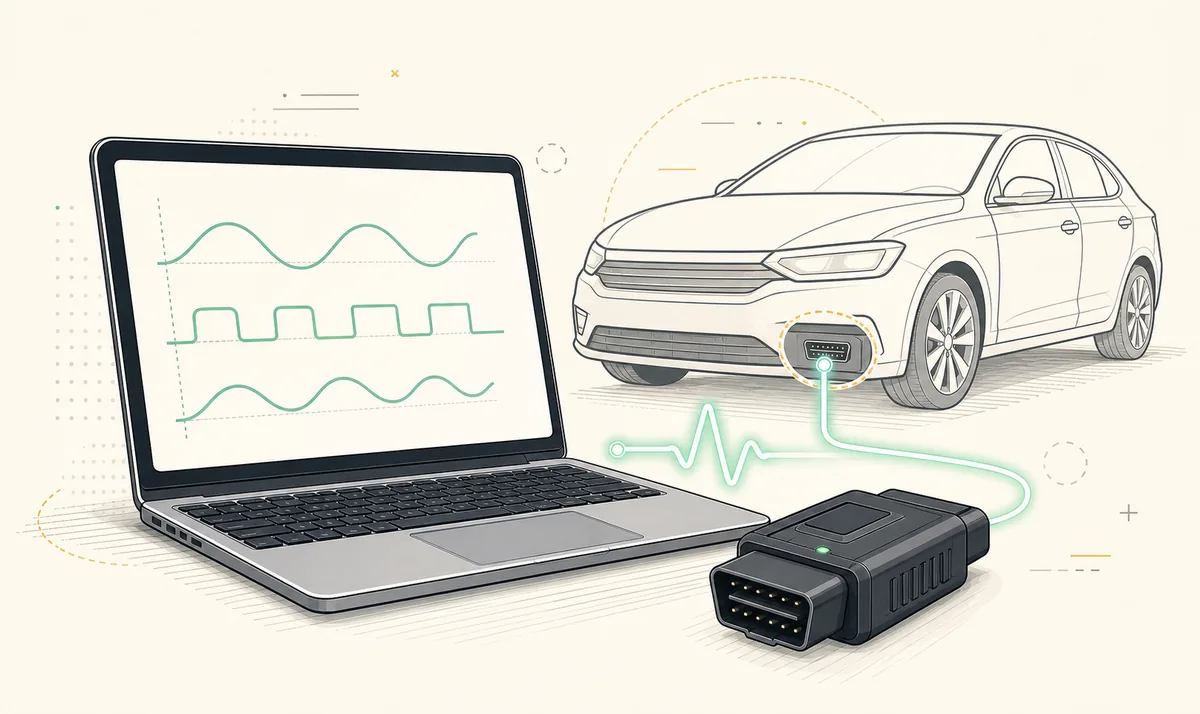
A FORScan license should come from the developer's current licensing process, not from a crack, key generator or copied registration file. Use the Hardware ID shown by your own installation, confirm the license scope and duration before purchase or activation, and review migration rules before moving to another PC. Searches for 'FORScan extended license price' should be treated as a request to verify current official terms. Price, duration and transfer rules can change, so do not copy a number from an old forum post.
FORScan download and license are not the same thing
The Windows application can be downloaded separately from license access. Reading DTCs, viewing live data and other supported diagnostic functions may not have the same license requirement as configuration or programming features. The exact boundary can change as the product develops, so the developer's current license page is the authoritative place to check scope, duration and pricing.
This distinction explains why searches for FORScan full free download or FORScan 2.4 paid version are misleading. A newer installer is not a license, and a license file does not make a repacked installer authentic. Keep the application source and the licensing source legitimate and traceable.
Keep the download, Extended access and FORScan Lite purchase separate. Verify the current developer process before activation or migration.
Standard, Extended and temporary access
FORScan documentation and community discussions commonly distinguish standard diagnostic access from Extended License functions and time-limited access. Because the developer site was not reachable from our July 16, 2026 verification environment, this guide does not publish an unverified price, trial duration or entitlement table. Check the developer's current process immediately before activating or buying.
Choose access based on the actual task. If you only need to identify modules, read DTCs or examine live data, do not assume you must buy the most extensive option. If a documented procedure requires configuration or programming, confirm that the function is supported for your vehicle and that the required license is valid before beginning.
| Question | Why it matters | What to verify |
|---|---|---|
| Which functions do I need? | Not every diagnostic task requires the same access | Vehicle, module, function and current license documentation |
| How long must access last? | A short job and ongoing maintenance have different needs | Current duration and renewal terms |
| Which PC will I use? | Licenses can be tied to installation or hardware identity | Hardware ID and migration rules |
| Will I change computers? | A move may require a formal transfer or replacement | Developer instructions before deactivating the old setup |
How FORScan Hardware ID is used
The Hardware ID identifies the installation environment used by the license process. Copy it directly from your own FORScan installation when the developer's form requests it. Avoid retyping from an old screenshot or another computer, because a small mismatch can produce a license that does not work on the intended PC.
Treat Hardware ID, registration codes and license files as private operational data. They are not passwords in the usual sense, but posting them publicly can expose your setup, create support confusion or encourage unauthorized reuse. Redact them from forum screenshots and support images unless the developer explicitly asks through a trusted channel.
- Open the installed application and copy the displayed Hardware ID from the relevant license screen.
- Confirm you are on the PC that will perform the licensed work.
- Paste the value without adding spaces or punctuation.
- Store the resulting license file in a private backup location.
- Do not modify the file or rename fields inside it.
Moving a FORScan license to another PC
Do not assume that copying the license file is sufficient. A new computer can produce a different Hardware ID, and license terms may limit how or when access can be transferred. Review the developer's migration or replacement instructions before wiping the old PC, replacing major hardware or reinstalling Windows.
Keep a record of the original purchase or registration email, the old and new Hardware IDs where appropriate, the license file and the version in use. Do not send these details to an unofficial website. If a migration fails, contact the developer through an official channel rather than trying a crack that bypasses the identity check.
- 1
Read the current transfer rule
Confirm eligibility, timing and any reset process on the developer's licensing pages.
- 2
Back up records
Keep proof of purchase, registration email and a private copy of the existing license before changing the PC.
- 3
Install from the official source
Use a clean FORScan installation on the new Windows computer.
- 4
Obtain the new Hardware ID
Copy it from the new installation instead of reusing the old value.
- 5
Complete the approved migration
Follow the developer process and verify read-only operation before a licensed write procedure.
Why FORScan cracks and license generators are a bad trade
A cracked installer or license generator can change the executable, add persistence, disable update checks or create an unsupported license state. Even if it opens, you cannot know what was modified or how it will behave during a long diagnostic session. That is an unacceptable variable when software may communicate with safety-related vehicle modules.
This site does not provide torrents, shared licenses, pre-activated builds or instructions for bypassing licensing. The legitimate route is easier to audit: download from the developer, obtain access through the current license process and keep your backups.
FORScan license FAQ
Is a FORScan license included with the download?
Do not assume so. The application download and access to licensed functions are separate. Check the developer's current license documentation. Searches for 'FORScan extended license price' should be treated as a request to verify current official terms.
Where do I find my FORScan Hardware ID?
Copy it from the license or activation area of your own installed application. Use the value from the PC that will run the licensed functions.
Can I move a FORScan license to a new PC?
Migration may be possible, but a new PC can have a different Hardware ID. Follow the developer's current transfer or replacement process before discarding the old setup.
Why is my FORScan app not licensed?
Common causes include the wrong Hardware ID, an expired or mismatched license, a changed PC, an unreadable file or a feature outside the license scope. Verify the file and developer instructions.
Can I use a free license crack?
No. It is unauthorized and may contain modified software or an untrusted license file. This site does not link to or explain license bypasses.
Does FORScan Lite use the same Windows license?
Treat the mobile app purchase and Windows licensing as separate products and verify each through its official store or developer process.
The FORScan site was reachable during the August 1, 2026 check, but current prices, durations, payment terms and transfer limits were not independently verified for this task. Use the official licensing process for those changing terms.
FORScan official website