
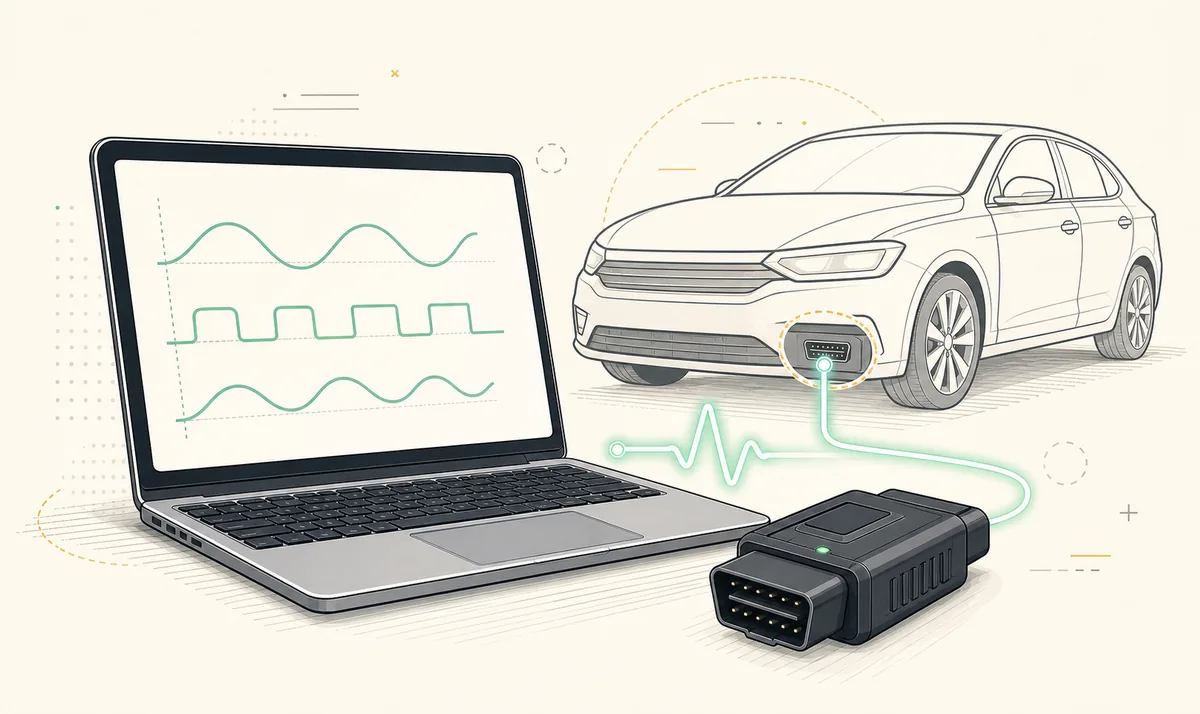
For a FORScan download on Windows 11, use the developer download page, install the adapter manufacturer's Windows driver when required, and confirm that the adapter appears correctly before opening a vehicle session. Begin with read-only diagnostics and save the original vehicle profile before any module configuration.
FORScan download for Windows 11: source checks
The official FORScan page checked August 1, 2026 lists Windows Stable 2.3.71, released May 8, 2026, at file size not listed on the current official page. The final download handler timed out locally, so this site keeps the button on the official page and does not publish an unverified direct EXE URL, checksum or mirror.
A first-party Apple release note for FORScan Lite 1.5.31 says the mobile application migrated to core 2.3.71. That is useful evidence for the current software core, but it is not a substitute for checking the Windows release label on the developer page. Confirm the channel, filename, version and visible publisher at download time.
- Prefer the stable Windows build for a first installation or routine diagnostics.
- Use the Beta channel only when a release note or documented procedure requires it.
- Do not install a file promoted as cracked, pre-activated, full-free or bundled with a license generator.
- Keep the installer you used until you have confirmed that your normal connection workflow works.
Install FORScan on Windows 11
The application and the adapter driver are separate. Installing FORScan does not automatically make every USB or Bluetooth adapter visible to Windows.
- 1
Confirm the release channel
Read the label on the developer page and select stable unless you have a specific reason to test Beta. Do not choose by version number alone.
- 2
Install the adapter driver
For USB hardware, use the driver supplied by the adapter manufacturer. Reconnect the adapter and check Windows Device Manager for a COM port or supported device without an error icon.
- 3
Run the installer
Review the downloaded filename and publisher, then install the application. Decline unrelated software if a third-party site has inserted a bundle; preferably stop and download again from the developer page.
- 4
Connect the adapter
Attach the adapter to the vehicle and PC, then follow the vehicle-specific ignition state required for identification. Avoid starting a module write during an unstable wireless session.
- 5
Save the first profile
Allow FORScan to identify the vehicle and modules, save the original profile, and begin by reading DTCs and live data. Make backups before configuration changes.
Windows 11 adapter and driver checks
A large share of apparent FORScan problems are adapter or driver problems. If the application cannot open a connection, first confirm that Windows can see the hardware. USB adapters may expose a COM port. Bluetooth adapters require the correct Bluetooth mode and pairing support. Wi-Fi adapters may replace the PC's normal network connection while in use.
Do not assume that every product labeled ELM327 has the same chipset, firmware quality or network support. Some adapters can read generic engine data but cannot reach all manufacturer-specific networks. Others may disconnect under load. A reliable wired or well-documented adapter is preferable when a task takes a long time or writes configuration.
| Symptom | Check first | Likely next step |
|---|---|---|
| No adapter is listed | Windows Device Manager and cable | Install the manufacturer driver or try another data cable/USB port |
| Bluetooth pairs but FORScan cannot connect | Bluetooth Classic vs BLE support | Confirm that the adapter mode matches the Windows application |
| Vehicle is found but modules are missing | Adapter network support | Review MS-CAN/HS-CAN or automatic switching capability |
| Connection drops | Power, wireless interference and adapter quality | Use a stable wired adapter before any write operation |
Prepare a safer first FORScan session
Treat the first session as identification and documentation. Record the vehicle profile, module list and current DTCs. If you are following a configuration guide, confirm that it matches the model year, platform and module part number. A setting shared for another trim or market is not automatically correct for your vehicle.
Configuration and programming increase the consequences of a dropped connection. Maintain vehicle battery voltage, prevent the PC from sleeping, keep the adapter cable secure and avoid unrelated electrical activity. Save original As-Built or configuration values in a separate location before changing anything.
Common Windows 11 setup problems
- If Windows blocks or warns about a file, return to the source page and verify that you did not use a mirror. Do not bypass a warning for an unknown publisher or modified installer.
- If no COM port appears, remove the adapter, install the correct driver, reconnect it and review Device Manager again.
- If the vehicle cannot be identified, verify ignition state, adapter power, selected connection type and vehicle support before changing advanced settings.
- If an older profile opens automatically, create a fresh profile after software or vehicle changes so stale cached identification does not confuse the session.
- If a Beta build behaves differently, keep notes and compare the same read-only workflow with the stable build before assuming a vehicle fault.
FORScan Windows 11 FAQ
Can I install FORScan on Windows 11?
FORScan is a Windows desktop application and Windows 11 is a common target. The practical compatibility check is often the OBD adapter driver, so confirm that Windows recognizes the adapter correctly.
Which FORScan version should a new user install?
Start with the current stable Windows build unless a documented function or vehicle issue specifically requires the Beta branch.
Why does Windows show no COM port?
The USB driver may be missing, the cable may not carry data, or the adapter may use a different connection method. Install the manufacturer's driver and check Device Manager.
Do I need internet while diagnosing a vehicle?
The local vehicle connection does not depend on web browsing, but downloads, license work, updates and source references may require internet. Prepare them before working offline.
Can I use a Bluetooth ELM327 adapter on Windows 11?
Only if the adapter's Bluetooth mode is supported by the Windows workflow. Check whether it uses Bluetooth Classic, BLE or another method rather than assuming all Bluetooth adapters are equivalent.
Should I disable Windows security to install FORScan?
No. Return to the developer source, verify the file and publisher, and investigate the warning. Do not disable system security for an unknown or modified installer.
Checked August 1, 2026. The developer download page supplied the Windows Stable 2.3.71 label, May 8 release date and file size not listed on the current official page size. Apple supplied the separate FORScan Lite 1.5.31 and core 2.3.71 record. The official forum supplied the 2.4 Beta discontinuation notice.
FORScan developer download pageFORScan Lite on the App Store