
FORScan key programming is a vehicle security procedure, not the same as resetting MyKey or changing an As-Built value. Connect a supported Windows setup, verify that PATS Programming appears for the exact vehicle, obtain the required Extended License, and record the current key count before choosing a function. Do not start an erase-and-program path until you have compatible, cut keys and a recovery plan: the official FORScan procedure warns that an unsuccessful erase can leave the engine unable to start until at least two keys are programmed.
What FORScan key programming actually changes
PATS is Ford's Passive Anti-Theft System. It checks the transponder in an ignition key against keys stored by a security-related module. A key can be cut correctly and still fail to start the vehicle when its transponder is not enrolled, while a programmed transponder will not make a physically wrong cut turn the lock.
The FORScan task is usually described as PATS Programming, Ignition Key Programming, Ignition Keys Erase, or Erase and Program Keys. The exact label and the module that exposes it vary by vehicle, market and software build. A page or video that shows one menu does not prove that the same function exists on your model.
Check vehicle support before you buy a key
The official FORScan forum guide is an older reference updated for version 2.3.8. It describes Ford, Mazda, Lincoln and Mercury coverage approximately around 1997-2011, but it also says coverage depends on model and market. The current download page may list newer software, yet a newer build does not turn an unsupported module into a supported one.
Connect in a read-only session first and open the Service section. If PATS Programming is absent for the exact vehicle, stop. Do not install an unofficial package, force a hidden menu or assume that an unrelated PCM function will enroll a key. A missing service function is a compatibility result, not a prompt to guess.
| Check | What to confirm | Stop when |
|---|---|---|
| Vehicle identity | Year, model, market and module | The profile is incomplete or unexpected |
| Service menu | PATS Programming or the documented equivalent is present | The function is missing |
| Key inventory | Which keys start the engine and which are cut or blank | A key is uncut, damaged or untested |
| Security access | Coded or timed access is offered for this vehicle | The prompt does not match the vehicle |
| Recovery plan | A second working key and a qualified fallback are available | An erase could strand the vehicle |
Prepare the Windows setup, adapter and license
Use the developer download page for the Windows application and read the adapter manufacturer's driver instructions. The current official page checked on November 5, 2026 lists Windows Stable 2.3.71, released May 8, 2026; this article does not treat that version as proof of PATS coverage. Keep the version note separate from the vehicle-specific compatibility check.
PATS programming needs a reliable connection. A documented USB adapter is usually easier to diagnose than a wireless link during a security procedure. Install the driver, confirm that Windows sees the adapter without an error icon, and make sure the adapter can reach the vehicle networks required by the model. Keep the laptop on stable power and prevent sleep.
- 1
Prepare the key hardware
Have keys cut for the correct cylinder and verify that each transponder is the correct type for the vehicle. A cheap clone or an unverified blank is a risk, not a spare.
- 2
Prepare the connection
Install the adapter driver, connect with the ignition state required by the vehicle and confirm a stable module list before opening PATS.
- 3
Prepare the license
Activate an Extended License only through the official FORScan workflow when the PATS function actually requires it. Keep the license and Hardware ID private.
- 4
Prepare the workspace
Work in a safe, ventilated place, keep the key sequence visible, and have a qualified locksmith or repair option before an erase operation.
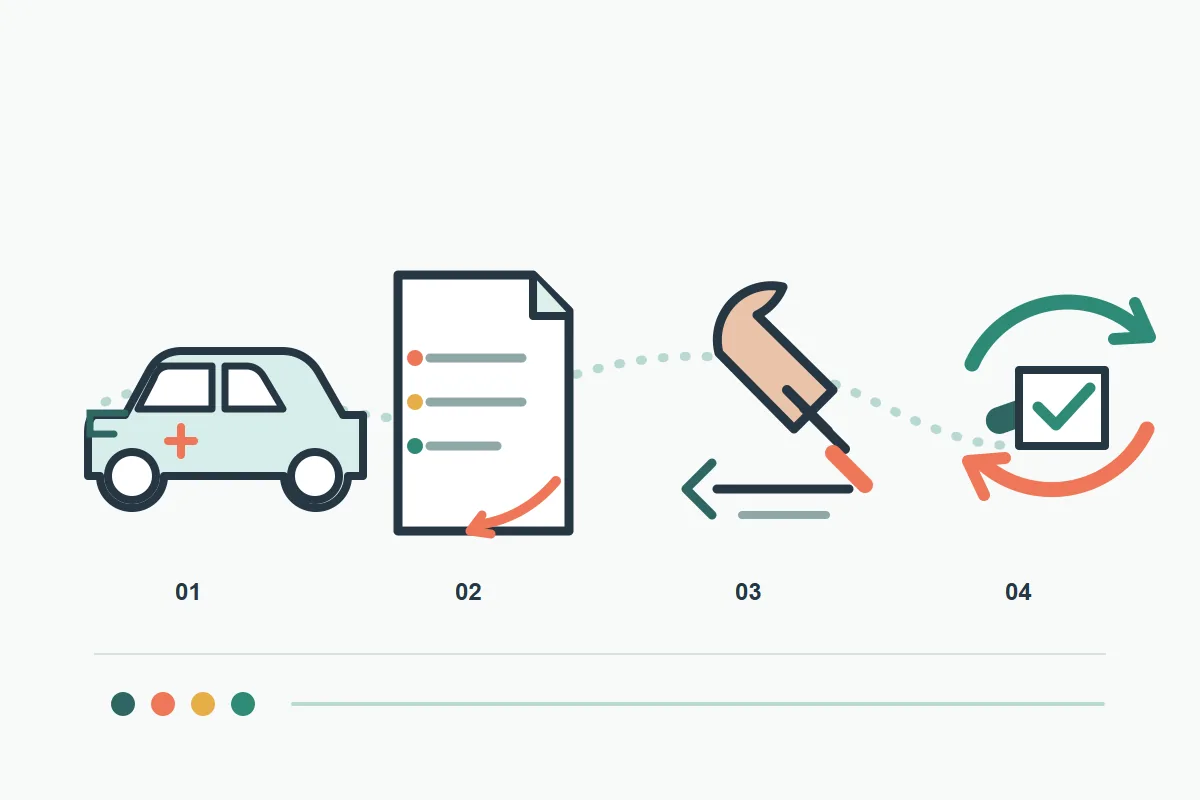
Run read-only checks before changing PATS
Connect to the vehicle and let FORScan finish its identification pass. Record the module name, the number of keys PATS reports, any communication warnings and the exact service-function wording. Save a screenshot or log only after removing the VIN, Hardware ID and account details that you do not want to share.
If the connection drops, the ignition state is unclear or the vehicle battery is weak, close the procedure without changing keys. A partial scan can show a plausible menu while leaving you without a reliable security state. Correct the setup and repeat the read-only check instead of treating a timeout as permission to continue.
Choose an add-key or erase-and-program path
Do not choose a menu from a screenshot alone. Use the vehicle's available function and key inventory to decide which path is supported.
The official FORScan guide warns that some models do not offer a stand-alone key-programming function even when a PATS menu exists. In that case, an Erase and Program Keys function may be the only supported learning path. The distinction matters because the erase operation can remove every known key, not just the lost one.
For a new spare, the least risky outcome is a confirmed add-key procedure that leaves the existing key usable. If the only route erases all keys, plan for the minimum number of keys the procedure requires and keep each key physically separate so you can follow the prompts without confusing a copied or damaged transponder with a valid key.
| Situation | Safer interpretation | Next step |
|---|---|---|
| A standalone Ignition Key Programming function is present | The model may support adding a key without erasing every stored key | Read the on-screen prerequisites and test the new key only when the procedure confirms the path |
| Only Erase and Program Keys is available | The function may erase all known keys before learning replacements | Do not continue unless you have the required number of compatible keys and a recovery plan |
| One key is missing but one still works | The lost key may remain stored; deleting one key may not be supported | Confirm whether the procedure erases all keys and plan to relearn every key |
| No working key is available | The official prerequisite may not be satisfied and the risk is higher | Use a qualified locksmith or vehicle-specific service information before connecting |
| PATS is not listed | This vehicle or market may not be implemented | Stop and do not force a different service function |
Handle coded and timed security access carefully
PATS security access is intended to slow down unauthorized changes. A coded path may show an outcode and ask for an incode generated by the built-in calculator or an approved workflow. A timed path may ask you to leave the diagnostic session connected while the vehicle grants access. Some models support one method, some the other, and some both.
Do not publish your outcode, incode, Hardware ID, VIN or license file in a screenshot. These values are tied to a vehicle or installation and are unnecessary for a public troubleshooting question. If the function requests a code that you cannot verify, cancel and use the official support path rather than testing random values.
Run the key procedure and verify every result
Follow the prompts one key at a time. The older official guide describes turning the ignition off and back on, confirming the prompt, and repeating the sequence for the next key. The exact timing and key order are vehicle-specific, so use the live instruction as the authority. Do not rush a prompt because a video made the sequence look shorter.
If you are using an erase-and-program function, keep the minimum required keys ready before you confirm erase. A key that is mechanically cut but cannot be read by PATS is not a recovery key. After each enrollment, wait for FORScan to confirm the operation before removing the key or changing the ignition state.
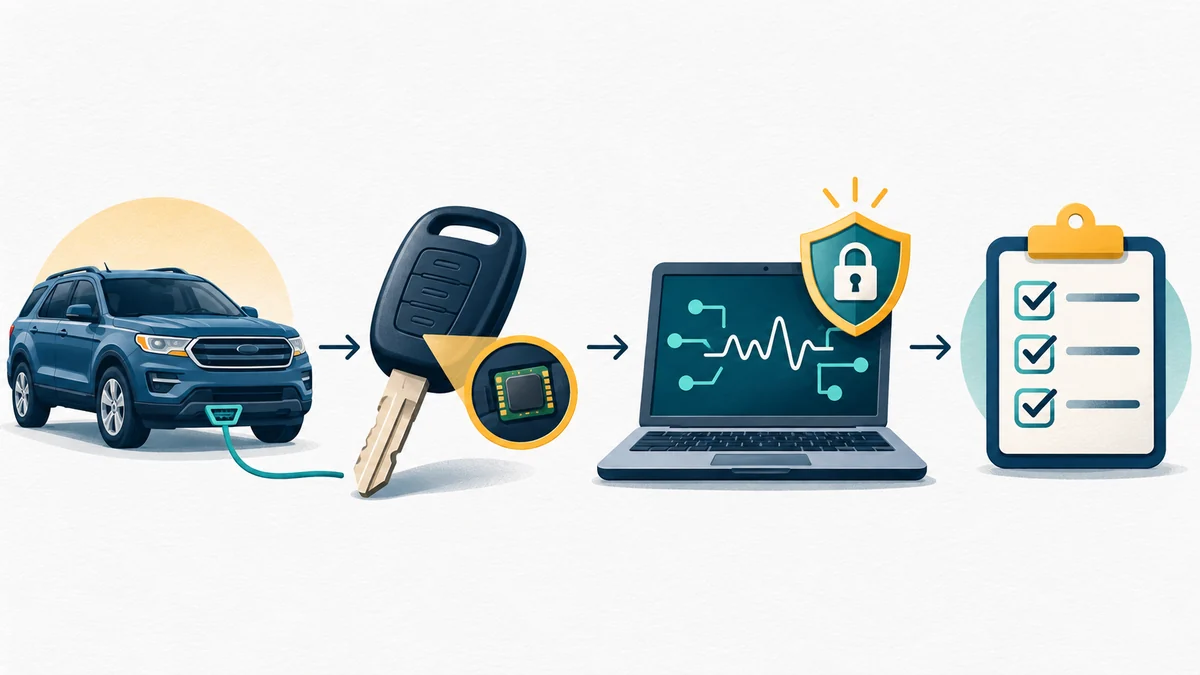
Stop conditions, recovery and safer alternatives
Cancel before a write when the PATS function is missing, the key type is uncertain, the adapter repeatedly disconnects, the battery voltage is unstable, or the displayed vehicle identity does not match your records. These are ordinary reasons to stop, not signs that you need a more aggressive file or a hidden setting.
If an erase has already happened and the engine will not start, do not keep cycling random keys or disconnecting the vehicle. Preserve the FORScan log, note which prompts were completed, keep the required keys together and contact a qualified locksmith, dealer or technician who understands the exact PATS module. A recovery plan is part of the procedure, not an optional afterthought.
FORScan Key Programming FAQs
Can FORScan program a new Ford key?
It can for supported vehicles when the PATS Programming function is implemented and the required license, adapter and keys are available. Check the exact vehicle's Service list; the official forum guide does not promise universal coverage.
Does FORScan key programming require an Extended License?
The official FORScan license guidance lists Service -> PATS Programming as an Extended License function. Confirm the current license requirements in the developer's official material before starting.
Do I need two keys to use FORScan PATS programming?
The official guide says at least one valid key is required except when all keys have been erased, and it warns that erase-and-program may require at least two keys to restore starting ability. Have the required compatible keys ready before confirming erase.
The PATS procedure reference was published by the FORScan team for an older v2.3.8 context and explicitly says coverage varies by model and market. Current version information and license boundaries were checked separately on the official download and license pages on November 5, 2026.
FORScan official PATS programming procedureFORScan Standard and Extended license guidanceFORScan official download and release page